Set up a key server for the organization
Problem: Team folders need a place for their keys – without license limits and without a vendor gaining access to data.
Solution: Krywerk Server on your own premises: a Docker Compose stack with automatic TLS, sign-in via Keycloak connected to Microsoft 365 (Entra ID), and a web administration.
Result: A key server, compatible with Cryptomator Hub, that never sees files or decrypted keys – with an audit log, daily backup and health check.
Prerequisites
- A Linux server with Docker and Docker Compose, reachable under two DNS names, e.g.
keys.example.org(Krywerk Server) andlogin.example.org(Keycloak); ports 80 and 443 open. - For Microsoft 365: permission to create an app registration in Entra ID.
- About 1 GB of RAM and a few GB of storage (the database only contains keys and metadata).
Steps
- Get the repository:
git clone https://github.com/mzilinski/krywerk /opt/krywerk cd /opt/krywerk/crates/kw-server/deploy - Settings: create
krywerk.envfromkrywerk.env.exampleand fill.envwith your domains and random passwords – exactly as described in Operation › With your own Keycloak. - Start and check:
alias kc='docker compose -f compose.yaml -f compose.keycloak.yaml' kc up -d kc run --rm server check curl https://keys.example.org/health # → ok - Connect Microsoft 365: app registration in Entra ID and identity provider
entrain Keycloak – Operation › Accounts from Entra ID. - Assign roles: everyone gets
user; anyone allowed to create team folders getscreate-vaults; IT administration getsadmin. - Enable the web administration: create the client
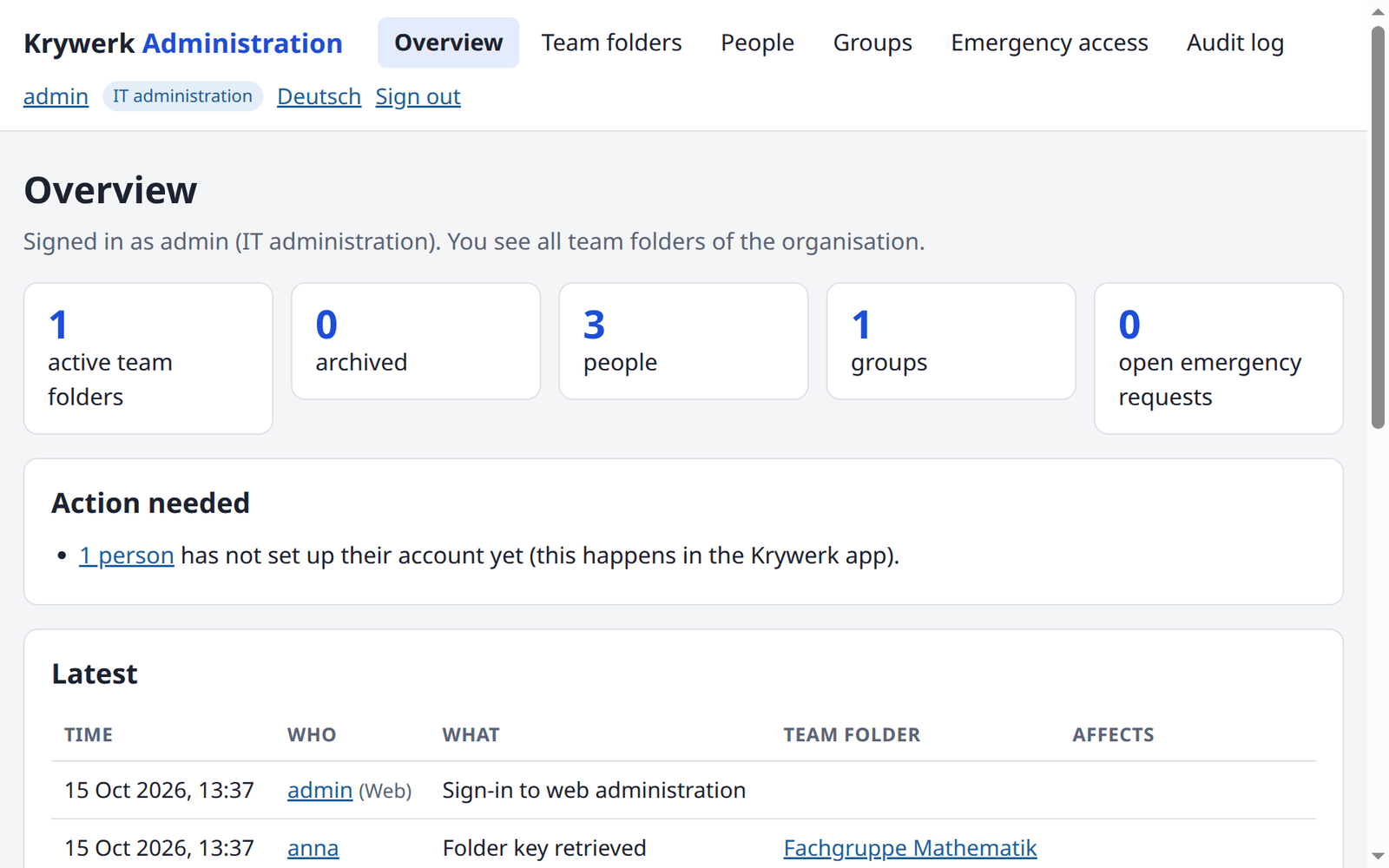
krywerk-verwaltungin Keycloak and setKRYWERK_SERVER_WEB=1– Web administration › Setup. Then sign in athttps://keys.example.org/verwaltung/. - Set up backups: a daily cron job with
backup.sh, plus an off-site copy – Backup. - Tell your users: the address
https://keys.example.orgfor Settings › Organization account in the app.
Privacy
The server stores names, email addresses, groups and shares, but no files. What exactly, for how long and who can see it: Privacy and data flows – the basis for your record of processing activities.