Migrate from Boxcryptor
Problem: Boxcryptor has been shut down. The encrypted data is still in OneDrive, Dropbox or on the NAS – but the program that opens it is gone.
Solution: Krywerk opens Boxcryptor folders as a drive using your key file and migrates them step by step to the modern, open format – while you keep working.
Result: All data is accessible again and ends up in a personal vault or team folder in the Cryptomator format, which detects any tampering. After that, the Boxcryptor folder is no longer needed.
Prerequisites
- Your Boxcryptor key file (
.bckey, the export from Boxcryptor) and your Boxcryptor password. - Krywerk is installed (Installation).
- Space for a new, empty folder next to the Boxcryptor folder (in the same cloud storage).
Steps
- Settings › Boxcryptor (legacy) › “Choose key file …” and select the
.bckeyfile. Unlock it with the Boxcryptor password on the overview. - “+ Add” › “Personal vault or existing folder …”, choose the format Boxcryptor (legacy) and select the Boxcryptor folder. It appears as a “Boxcryptor (legacy)” drive – your files are readable again.
- On the drive, click “Switch to modern …”. Choose the target:
- Password vault for personal data (own password), or
- Team folder (key server) if several people need access.
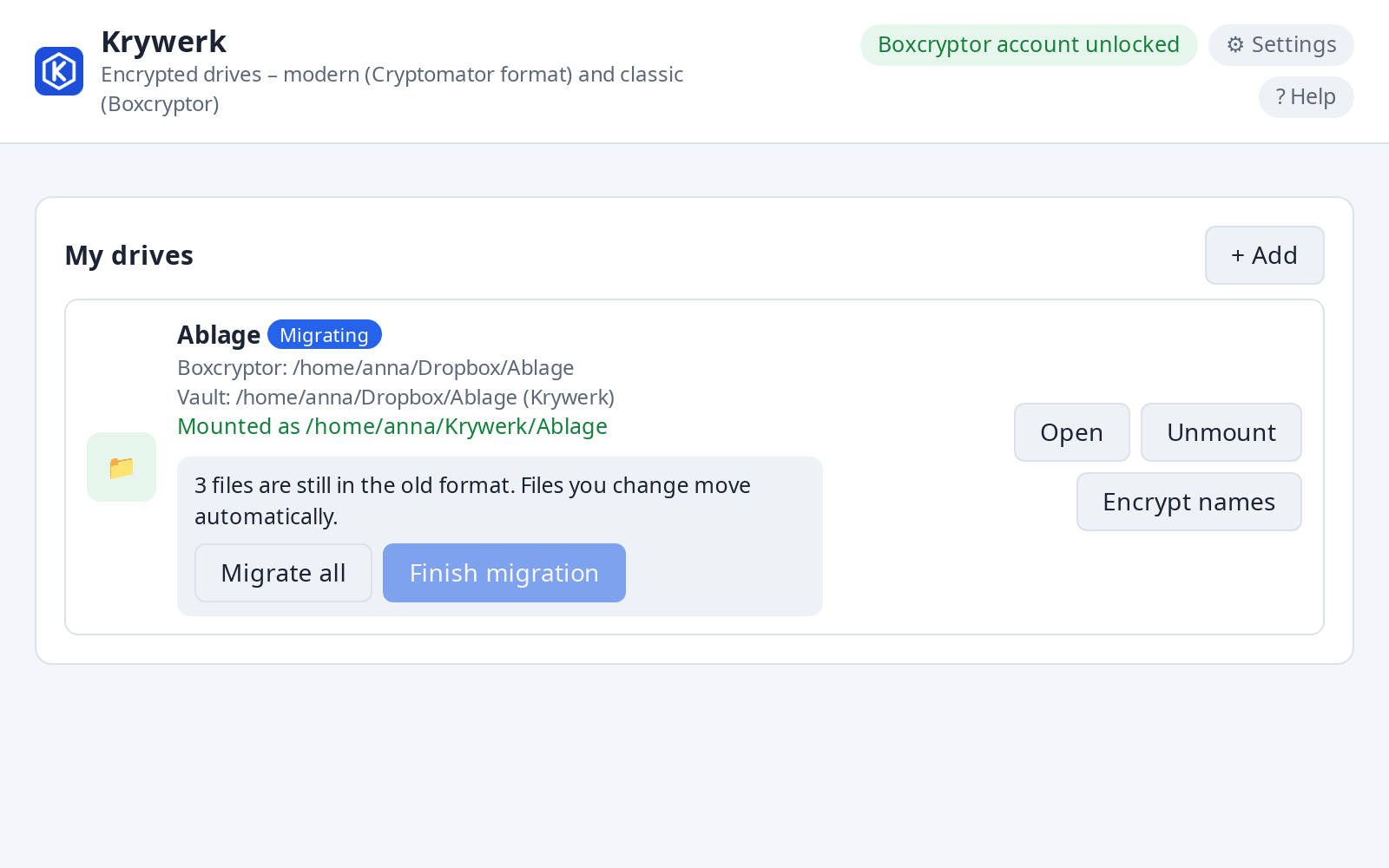
- Choose a new, empty folder for the target and click “Start migration”. From now on, the drive shows the old and the new folder together: new and changed files go straight into the modern format.
- Transfer the rest: all at once with “Migrate all” or folder by folder via right-click (Explorer, Finder Quick Actions, Dolphin/Nautilus).
- Once all files have been migrated: “Finish migration”. The drive then only shows the new vault.
Only delete the old Boxcryptor folder after you have successfully opened the new vault on a second device. Keep the key file and password until then.
Without a drive: rescue individual files
For individual files, or if a drive is not possible, krywerk-recover decrypts directly:
krywerk-recover decrypt-tree "<Boxcryptor folder>" -o "<target folder>" --keyfile <file.bckey>
The password is prompted for without being displayed.